This post may contain affiliate links. Please read our disclosure policy.
“Five more minutes,” you say as dinner is nearly ready. Your child says “okay” without looking up. Five minutes later, they are still in the game, the pasta is getting sticky, and your kitchen has turned into the site of a very serious negotiation about one more level.
It is reasonable to have limits around screens. It is also reasonable for a child to feel disappointed about stopping something they enjoy. A warning tells them that time is passing, but it may not tell them how to finish what they are doing or what comes next. Knowing what to stop, where to put the device, and what happens next can help your child move on. You can plan those steps together while keeping your family’s limit.
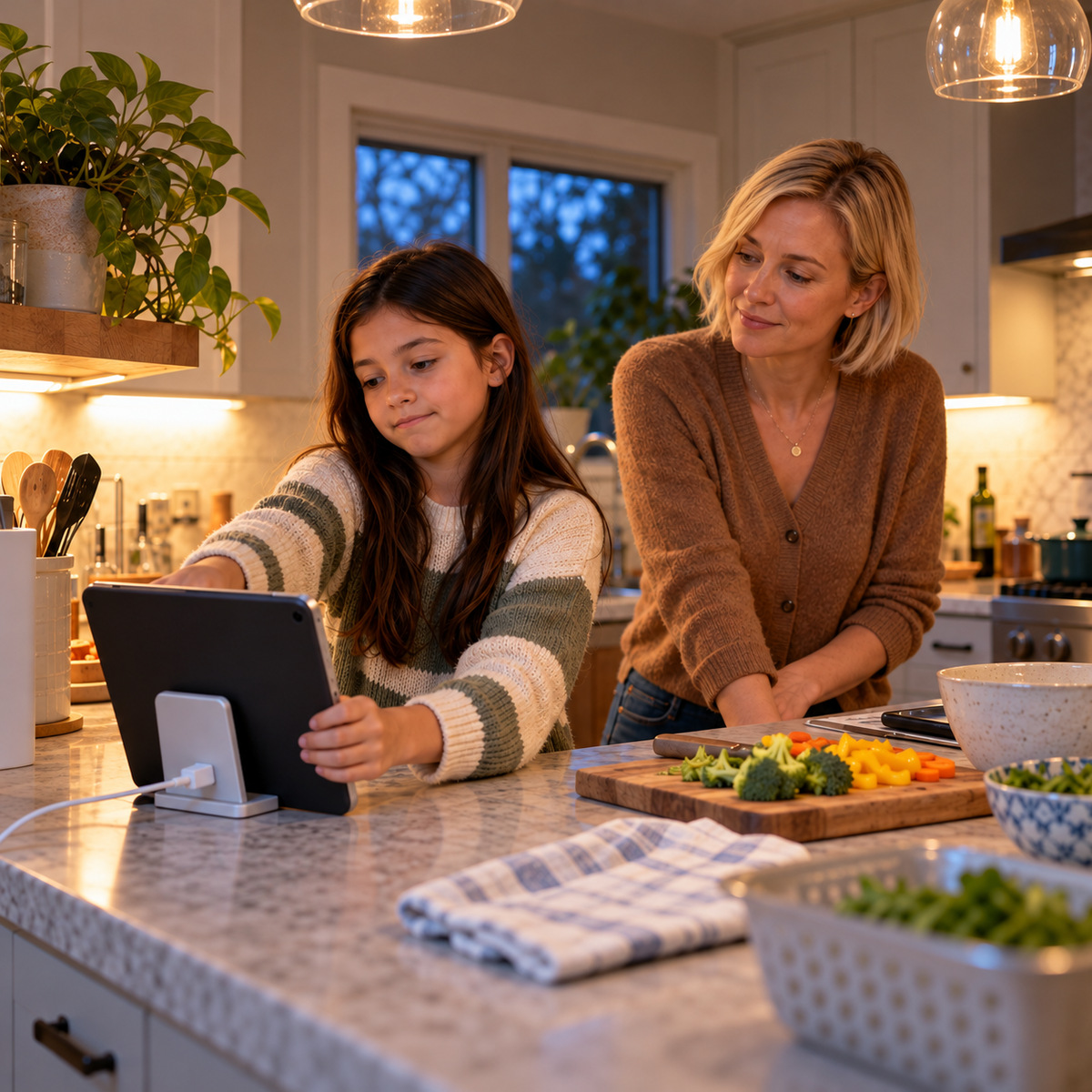
Agree on a screen-time stopping point before play begins
Before the screen turns on, agree on when it needs to end and why. If dinner is at 6:00, ask whether there is time for the kind of game your child wants to play. Some rounds cannot be paused and last longer than five minutes. Choose a stopping point that fits the available time, and agree on when they will stop starting new rounds. If an unexpected overrun happens, use the backup you discussed, such as leaving the match at the agreed time. Avoid promising “finish the round” if you will need them to stop sooner.
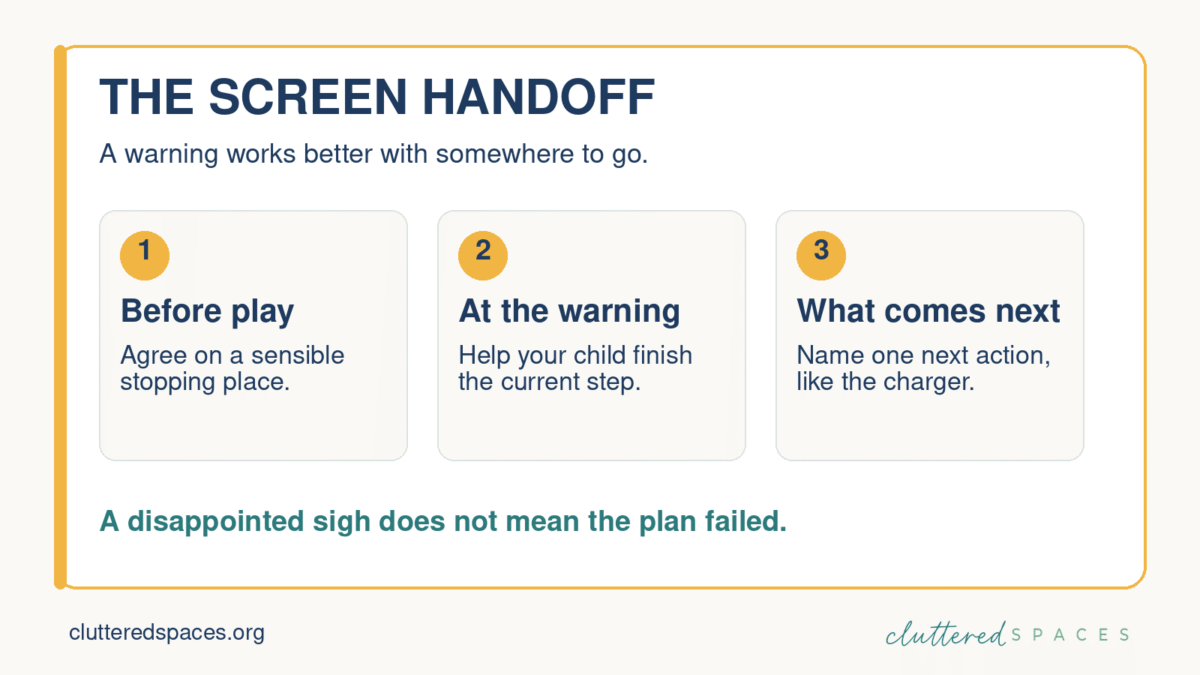
Ask what kind of warning they notice. A visible timer helps some children. Others hear a quiet reminder more readily when you walk over and get their attention. Young children may need you to stay with them as they put the device away. Older children may want the chance to do it themselves. Neither a timer nor a house rule can substitute for learning what helps your particular child switch activities.
Ever had someone interrupt the best part of your book or show? Becky’s article on turning off electronics without an argument starts there. It is a useful way to think about what stopping feels like from your child’s side.
Make the next step after screen time clear
“Screens off” names what ends. “Pause the game, put the tablet on the charger, and come wash your hands” gives the next few moments a shape. If that is too much at once, start with just the charger. Make sure it is accessible; a charger hidden behind a pile of mail will not win this contest.
When it is time, get close enough to be heard and refer to the agreement: “It’s 6:00. Save where you can, put the tablet on the charger, and come to dinner.” If your child protests, you can say, “I know you wanted more time. We agreed to stop now so we can eat together.” They do not have to feel cheerful about stopping. You can acknowledge the disappointment, offer the help you agreed on, and keep the boundary clear.
Imagine a school night when your child has twenty minutes to play while you finish cooking. Together you choose something that can be paused or finished in that time. At the warning, you help them notice the agreed stopping point. When time is up, the tablet goes to its usual place and dinner is next. If they need a moment to settle before joining you, make room for that where you can.
Does the plan work for a few days, then disappear during a busy week? Read how to get a family routine going again after it falls apart at Cluttered Spaces. You’ll find ways to simplify what needs doing and return to the plan without catching up on everything first.
Plan what comes after screens with your child
A game may be how your child decompresses after a loud school day. It may be where friends meet, or simply the only predictable quiet time in a busy home. Ask what they like about it before you decide what should replace it. If the next instruction is “Find something else to do,” you have handed them a new set of decisions at the exact moment they are already frustrated.
A few real options can help: music and a snack, drawing, outside time, or sitting near you while dinner is made. Let your child help choose. If every alternative is a chore, the screen will win the popularity contest.
And if you are tired of deciding what everyone should do next, read how to make everyday family decisions less exhausting. The Cluttered Spaces guide explains how a few ready-to-use options can take repeated choices off your plate.
The American Academy of Pediatrics encourages families to think about the role media plays alongside sleep, movement, and time together. If screen endings repeatedly cause intense distress, look at the timing, content, fatigue, and the rest of the day; a pediatrician can help you think it through when needed. Try your agreement, then talk later about what each of you noticed. Was the warning useful? Was the stopping point realistic? What help was missing?
If an ending goes badly, return to it once everyone has settled. You might say, “We both got upset. What should we change for tomorrow?” Adults have a part in repair, too: “I called you earlier than I said I would. Next time I’ll give you the warning we agreed on.” Keep any necessary limit, and change the part that made stopping harder than it needed to be.
Cynthia Rusincovitch is a home function and executive function coach and the founder of Cluttered Spaces. She helps families build routines and home systems that fit the people using them.